

Sign up for Flexmls training at nomar.org/flex.
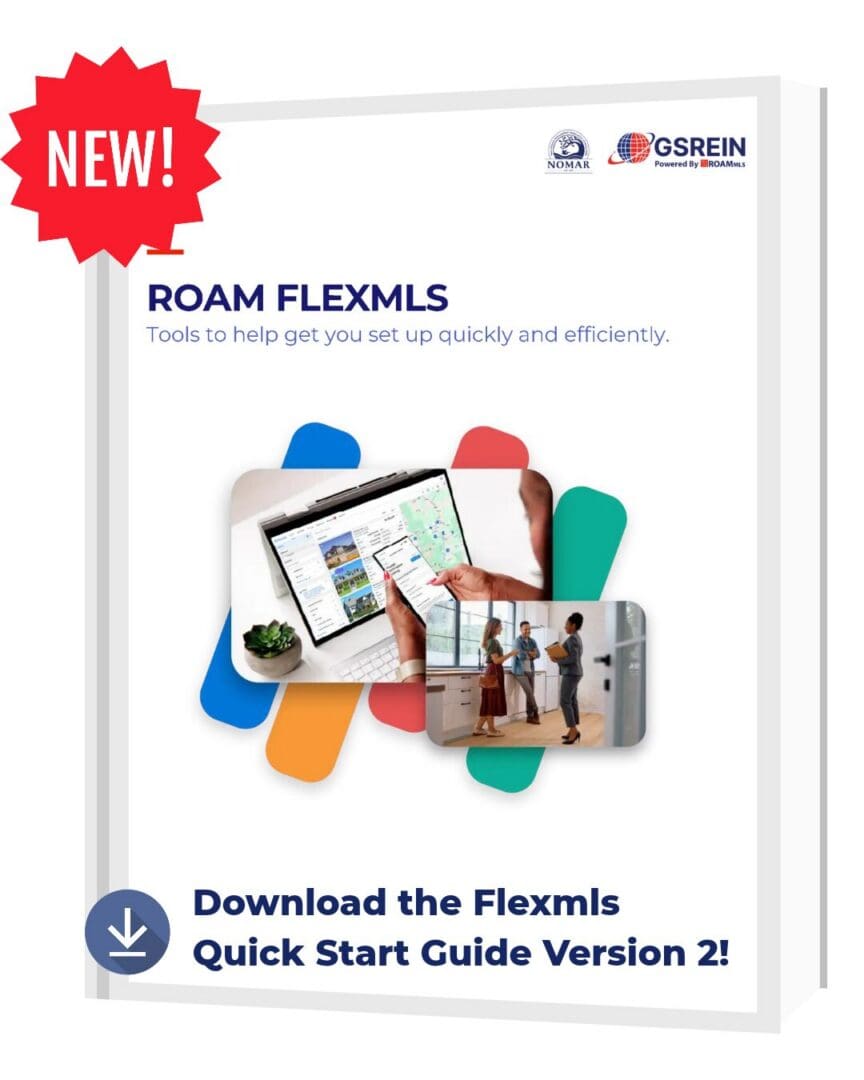
Feeling lost in the new ROAM Flexmls platform? Get support with the click of a button with these always available resources.
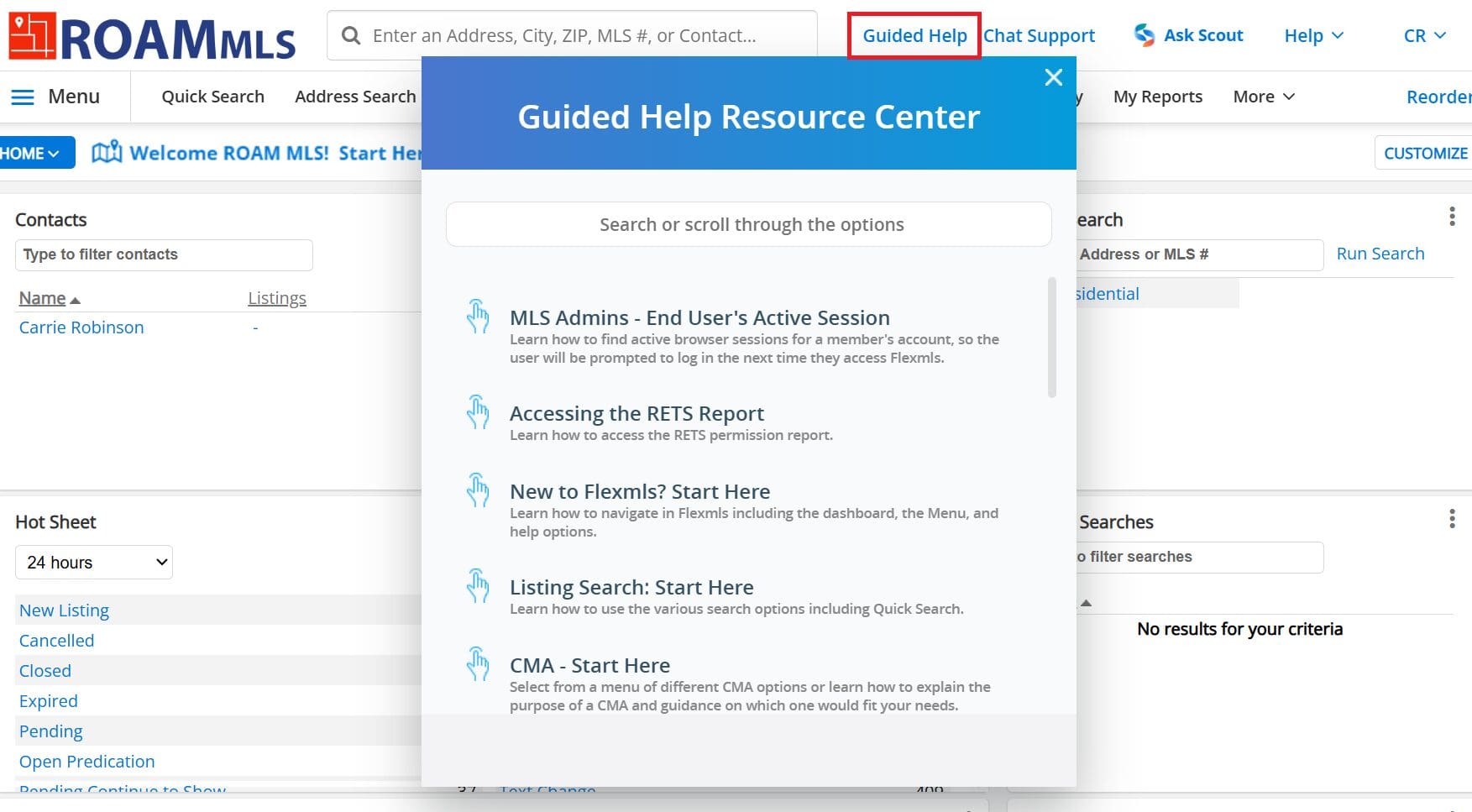
Guided Help – This interactive help module, found throughout the Flexmls system, is like having a trainer sitting on your shoulder, guiding you through every Flex function from step A to Z.
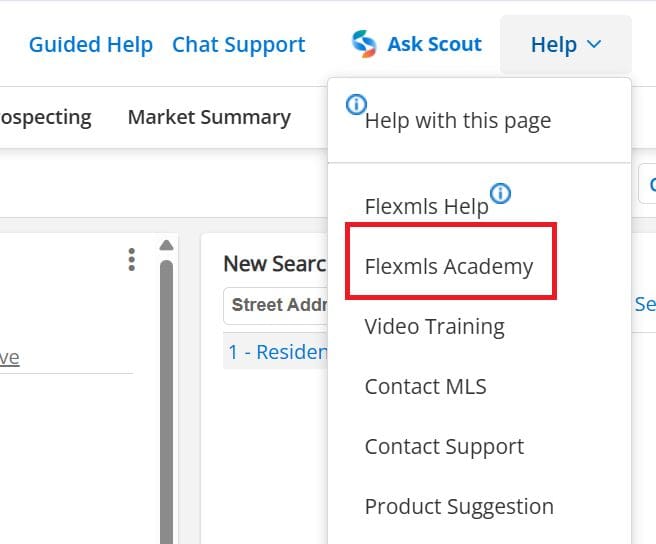
Flexmls Academy – Your one-stop shop for a variety of help resources from quick tips to recorded trainings. Found in the Help menu (upper right corner of Flexmls).
TIP: You can bookmark https://flexmls.com/discover/academy for fast access anytime.
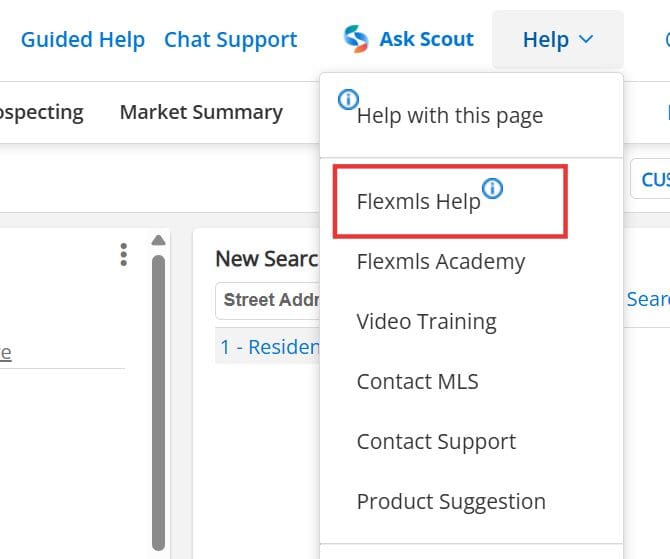
Flexmls Help – Visit the Flexmls Help page for Written documentation on every Flex function. Found in the Help menu (upper right corner of Flexmls).
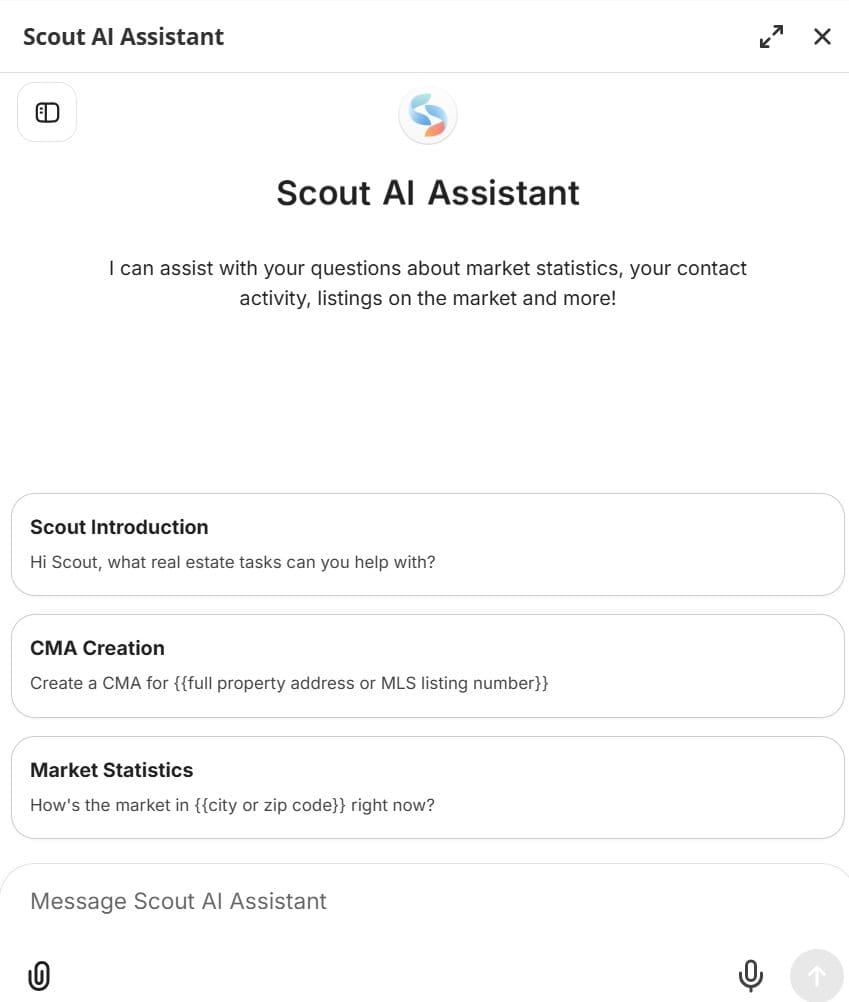
When in doubt, Ask Scout!

The Flexmls Scout AI assistant is there to walk you through adding or editing listings, creating a CMA, setting up autoemails, and much much more. You can even upload files and screenshots. Access Scout by clicking “Ask Scout” on the very top menu bar on the right hand side of the screen.
Matrix vs ROAM Flexmls
| Matrix Term | Flexmls Term |
|---|---|
| Market Watch | Hot Sheet |
| Concierge Prospecting | Preview Mode for Subscriptions |
| Carts | Listing Collections |
| External Links | Products |

Become a Member
NOMAR is the voice of real estate for the New Orleans region. When you join NOMAR, you become part of a rich legacy of advocacy, education and professionalism 110 years in the making.
Learn More

Become a Member
NOMAR is the voice of real estate for the New Orleans region. When you join NOMAR, you become part of a rich legacy of advocacy, education and professionalism 110 years in the making.
Learn More

Become a Member
NOMAR is the voice of real estate for the New Orleans region. When you join NOMAR, you become part of a rich legacy of advocacy, education and professionalism 110 years in the making.
Learn More

Become a Member
NOMAR is the voice of real estate for the New Orleans region. When you join NOMAR, you become part of a rich legacy of advocacy, education and professionalism 110 years in the making.
Learn More

Become a Member
NOMAR is the voice of real estate for the New Orleans region. When you join NOMAR, you become part of a rich legacy of advocacy, education and professionalism 110 years in the making.
Learn More
Become a Member
NOMAR is the voice of real estate for the New Orleans region. When you join NOMAR, you become part of a rich legacy of advocacy, education and professionalism 110 years in the making.
Learn More